Lightning Fast
Works in your browser
JPG vs PNG vs WEBP. Which Should You Use?
Why phone photos are so large, what compression actually does, and the right settings for email, web, and social.
Read more →
Compress and convert JPG, PNG, WebP, GIF and AVIF images online with fast browser-based image processing.
or
Supports: JPG, JPEG, PNG, WEBP, GIF, SVG You can select multiple imagesCompress or convert your images in 3 simple steps. No technical skills required.
Select or drag & drop
your images.
Choose compression level
and output format.
Click compress and save
your images instantly.
Compress and optimize all popular image formats.
Best for photos
and small size
Supports
transparency
Modern format
smaller size
Supported for
static frames
Vector images
optimized
Everything you need to compress, convert and optimize images without complicated software.
Compress and optimize your images in just a few clicks with a clean and easy-to-use interface.
Your image processing is designed to happen directly in your browser without unnecessary complexity.
Optimize multiple images easily without dealing with complicated workflows or software installations.
Use ImagesTool directly from your browser on desktop, mobile or tablet without installing an app.
Choose your target file size and optimize your image in your browser.
or select an image from your device
JPG, PNG or WEBP • Max 20MBReduce image file size in a few simple steps without complicated software.
Select a JPG, PNG or WEBP image from your device and add it to ImagesTool.
Adjust the compression quality and choose the output format when available.
Start the compression process and let ImagesTool optimize your image file.
Download your optimized image and use it for websites, email, social media or other projects.
Large image files can take longer to load and use more storage or bandwidth. Image compression reduces file size while helping you maintain useful image quality. The right compression level depends on the image format, dimensions and how the image will be used.
Use ImagesTool directly from your browser on desktop, mobile and tablet.
Desktop & Laptop
MacBook & iMac
Phones & Tablets
iPhone & iPad
Touch devices
No app installation required — just open ImagesTool in a modern browser.
Reduce image file sizes for websites, email, social media and everyday use.
Optimize images before adding them to your website for smaller files and faster-loading pages.
Reduce large image attachments so they are easier to share and send through email.
Resize and compress images before uploading them to your favorite social platforms.
Optimize product images while keeping useful visual quality for online stores.
Reduce image sizes before adding photos or graphics to documents and presentations.
Create smaller image files to make sharing and storing image collections more convenient.
Compare popular image formats and choose the one that fits your needs.
| Format | Best For | Transparency | File Size |
|---|---|---|---|
| Photos & photographs | No | Small | |
| Graphics & transparent images | Yes | Medium / Large | |
| Websites & modern web images | Yes | Small | |
| Simple animations | Yes | Varies | |
| Logos & vector graphics | Yes | Very Small |
For photographs, JPG or WEBP are commonly useful choices. For images that need transparency, PNG or WEBP can be suitable.
ImagesTool is designed with privacy in mind, so image processing stays simple, transparent and browser-focused.
Supported image processing is performed directly in your web browser, so your images do not need to be sent to a remote service for the core processing.
Use ImagesTool directly from a modern browser without downloading or installing desktop software.
Your browser handles supported image processing on the device you are using.
ImagesTool keeps the image workflow straightforward, with clear controls and no unnecessary steps.
For supported browser-based operations, your image is processed locally in your browser rather than being uploaded for server-side processing.
All image processing happens entirely in your browser. There are no uploads to our server and no image files are stored.
Tips, guides, and everything you need to know about image compression.
Why phone photos are so large, what compression actually does, and the right settings for email, web, and social.
Read more →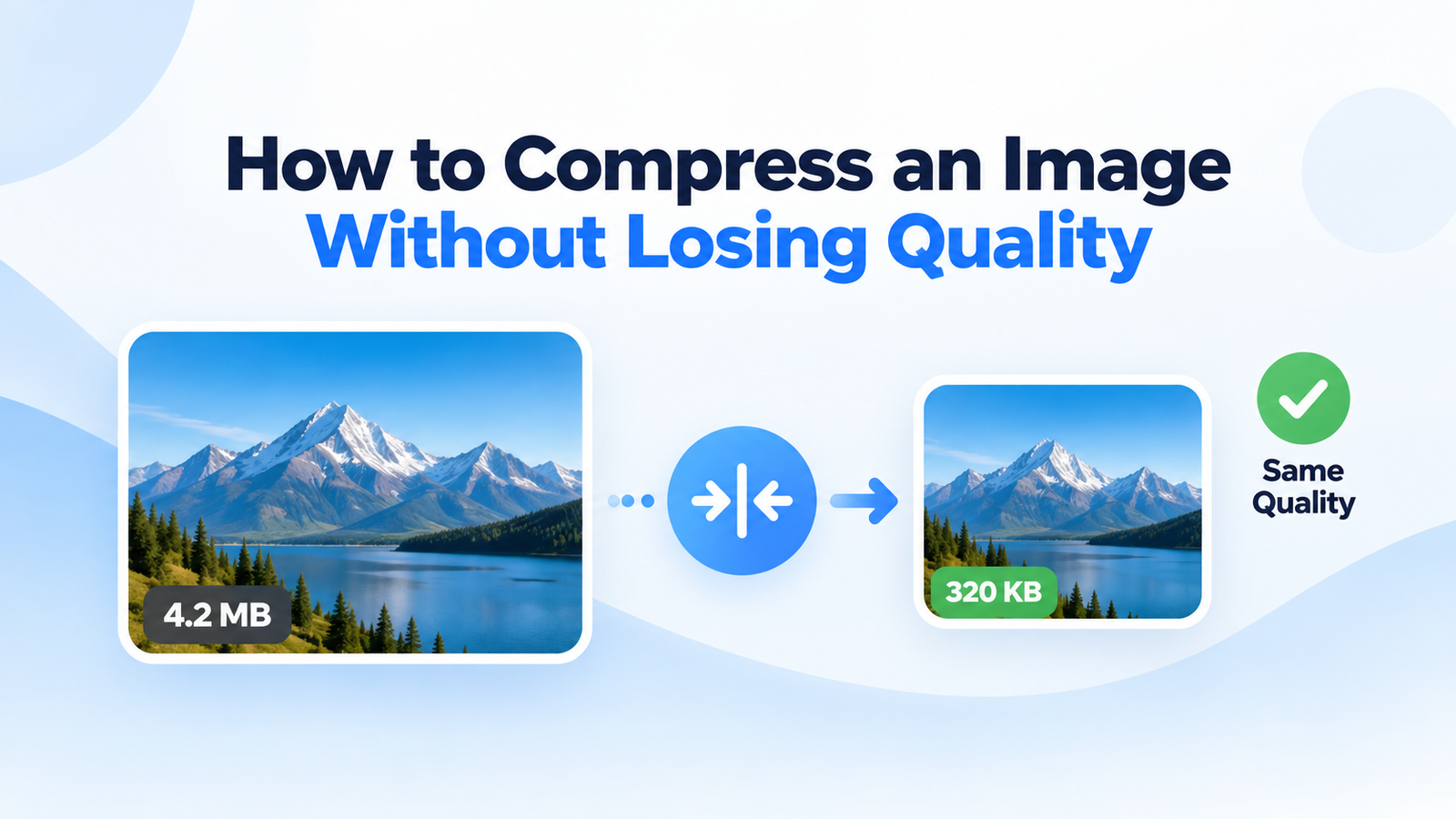
Large photos can make email attachments slow to send, difficult to download, or too large for an attachment limit.
Read more →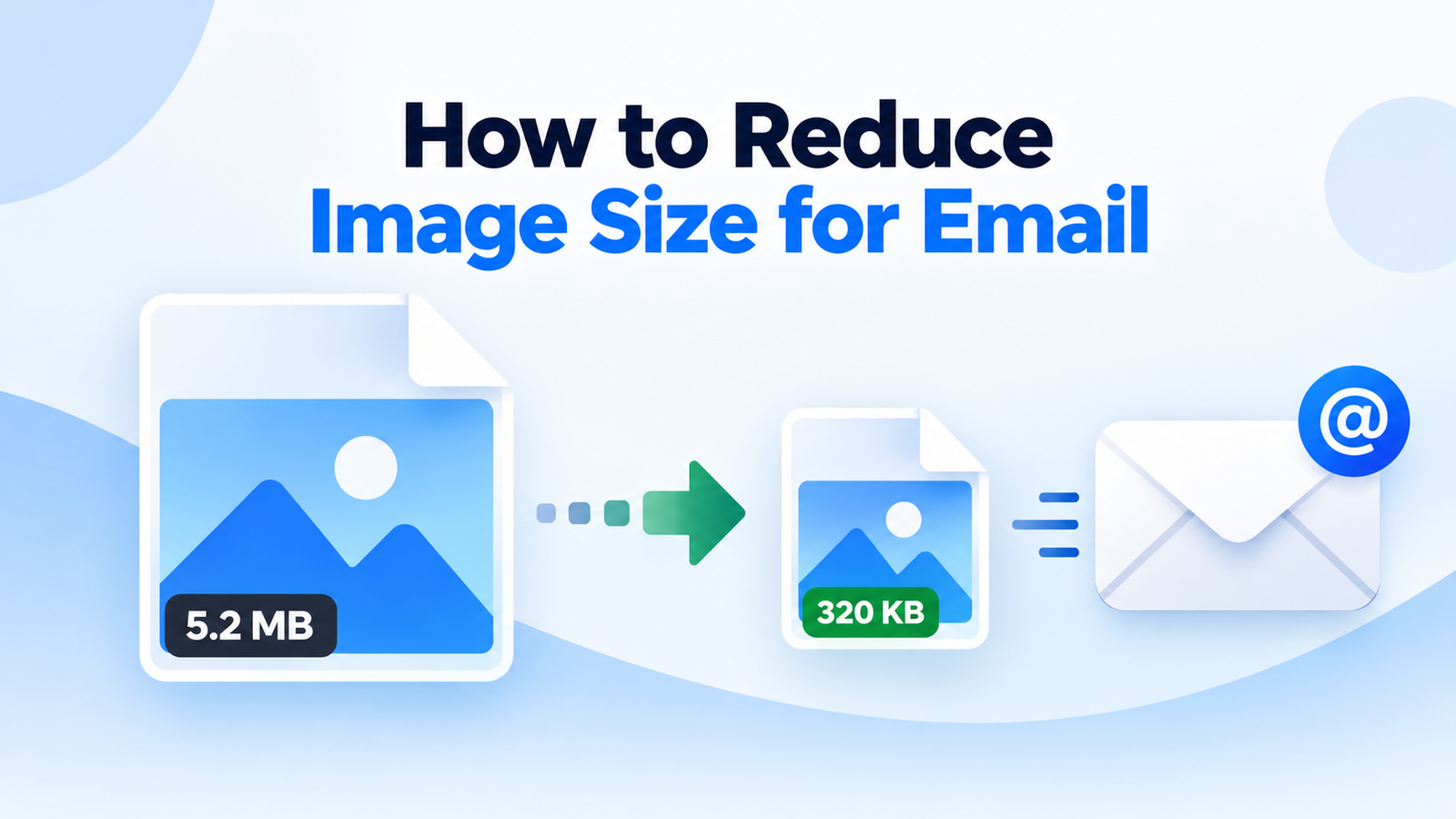
Large image files are useful when you need every detail, but they can quickly become a problem when you are sending photos, uploading files, or building a website.
Read more →Find quick answers about image compression, conversion, supported formats, privacy, and file sizes.
Upload your image to ImagesTool, choose the compression level, select the output format if needed, and click Compress. The tool reduces the file size while aiming to preserve useful image quality.
ImagesTool supports popular image formats including JPG, JPEG, PNG, WEBP, GIF, and SVG. Available processing options can vary depending on the selected format.
Yes. ImagesTool includes an image converter that lets you convert supported images between available output formats without needing to install desktop software.
Yes. You can select multiple supported images and process them together when using the available batch processing option.
ImagesTool is designed to process supported image tasks in your browser. Your images are not intended to be uploaded to an ImagesTool server for processing.
The best format depends on the image. WEBP can often provide a smaller file size for web images, while JPG is commonly used for photographs and PNG is useful when transparency is required.
You can adjust the compression level to reduce the image file size. The final size depends on the original image, dimensions, format, and compression settings.
No desktop installation is required. ImagesTool is designed to work directly in a modern web browser, making image compression and conversion accessible from supported devices.